Install Notes For Net-TV 98
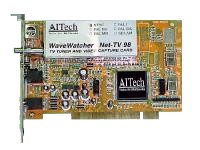
|
Install Notes For Net-TV 98 |
|
Please use this information in conjunction with your manual while installing your Net-TV 98 drivers and software.
After you have installed your Net-TV 98 PCI card in the computer (pages 1-1 through 1-3) follow the instructions below.
Installing the Driver
Read page 1-4.
Refer to the page shown below opposite your operating environment:
Windows 95 (NOT OSR 2) - page 1-5 -- Figure 1-5
Windows 95 (OSR 2) - page 1-8 -- Figure 1-11
Windows 98 - page 1-11 -- Figure 1-18
Follow the instructions starting on the proper page (from above) until you get to step #3 (step #6 for Windows 98) - this is the step that asks you to type in your CD drive letter. Follow the instructions below for this step.
Continue with the installation as shown in the manual.
Installing the Software
Insert the installation CD into your CD drive. The CD will Autorun and you will see the screen shown below.
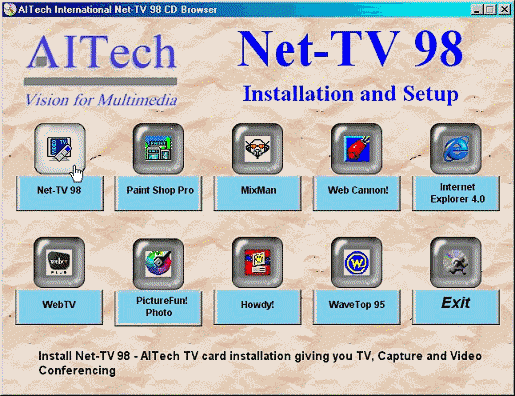
Figure 1 - Installation CD Autorun screen
Hover over a button and it will light up (shown above) and show a message at the bottom of the screen telling you about the program.
Click the Net-TV 98 button to install the AITech software and follow the manual for installation of your software. Use the information below for step #2 (page 1-16) and Figure 1-23.
Continue with the installation as shown in the manual.
Last update 1-20-2000